Alpha blending comparison sRGB vs CIE / OK Lab color spaces (2021.01.09)
This page presents the different alpha blending methods implemented in the Marlin renderer's new Compositor.
This new compositor is developped in the unsafe-dev branch, see the pipe package.
This images are produced by the LineWidthColorGridTest class and stored in the PNG format (sRGB INT RGBA format).
This page compares sRGB color mixing (perceptual mode) with CIE Lab and OK Lab perceptual color spaces.
See OK Lab page for more details.
Notes:
- CIE Lab blue to yellow is wrong: too much red in transition, OK Lab is lot better.
- OK Lab blue to white is better: hue transition looks better.
Conclusion:
- Marlin's new Compositor looks very good in this perceptual comparison: mixing primaries looks a lot better, L correction is as good as more complex color spaces like CIE/OK Lab (floating point ops).
- OK Lab gives slightly better transitions on large hue transitions, but it is too costly and may only be visible to color experts and look different to usual color mixing.
TOC:
Comparison
Output files
Comparison (original Java2D approach) vs (Gamma-corrected sRGB - perceptual mode)
|
Original Java2D approach
|
Gamma-corrected sRGB (linear) with perceptual mode: contrast correction on all shades (L*)
|
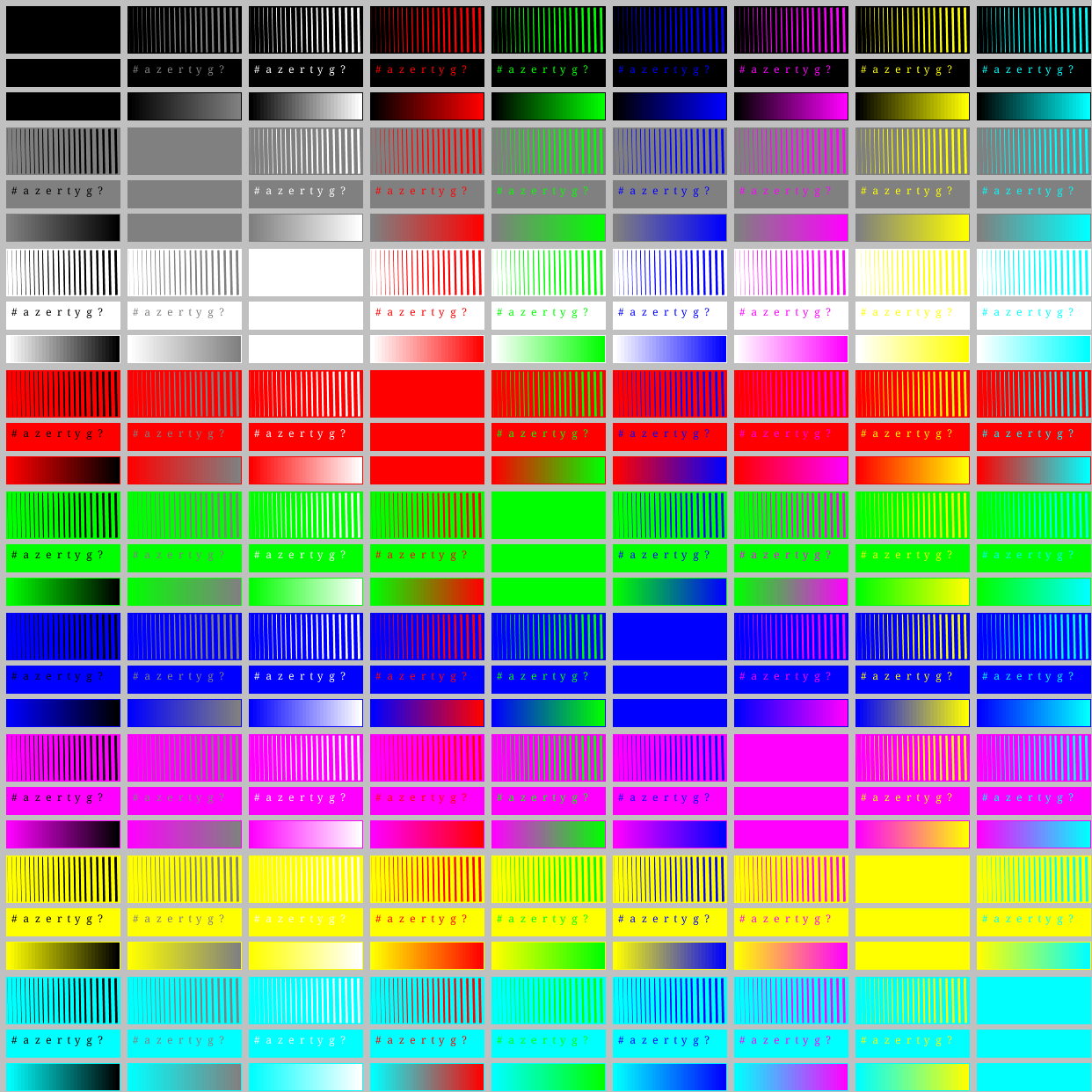
|
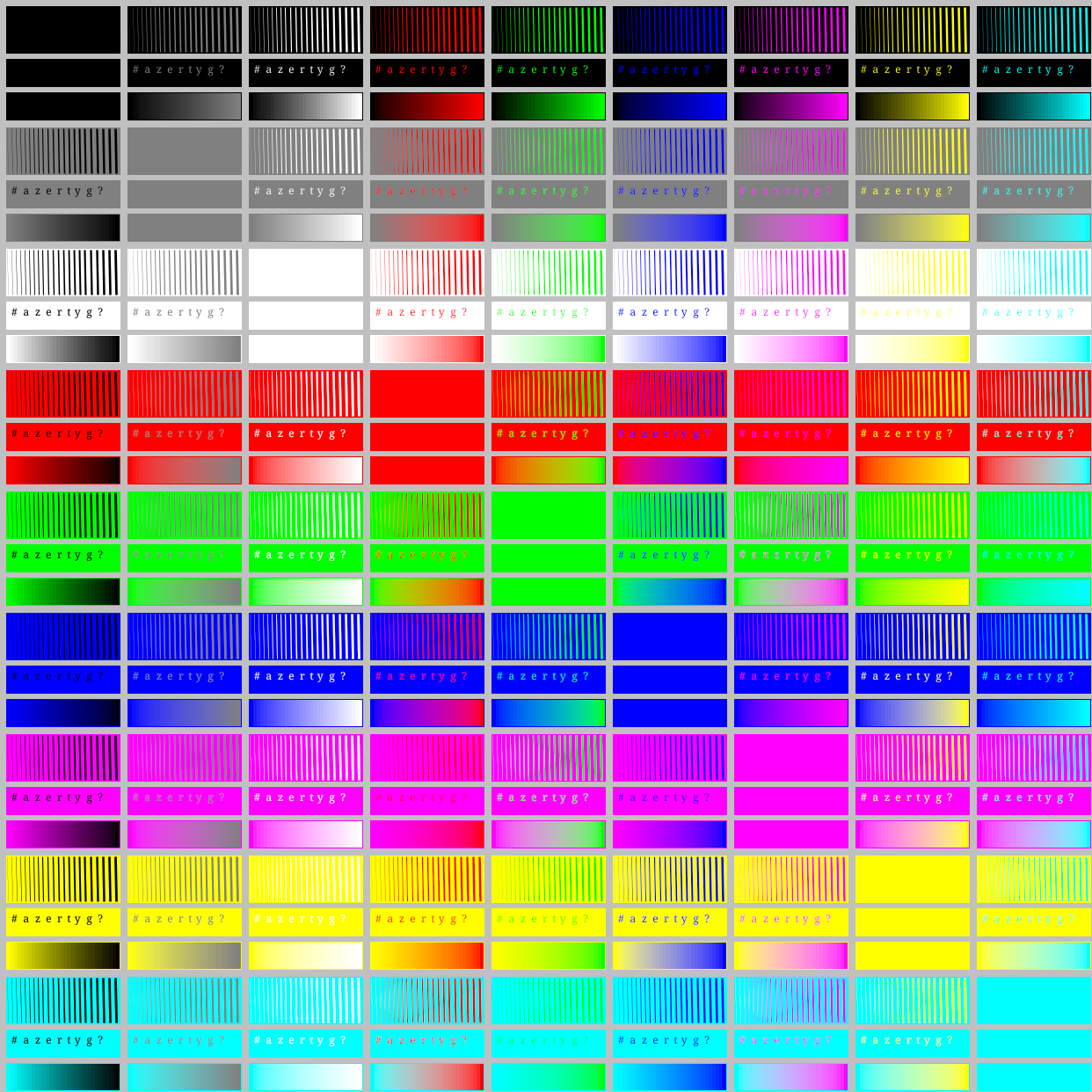
|
Comparison (original Java2D approach) vs (Gamma-corrected sRGB - CIE Lab)
|
Original Java2D approach
|
Gamma-corrected sRGB - CIE Lab
|
|
|
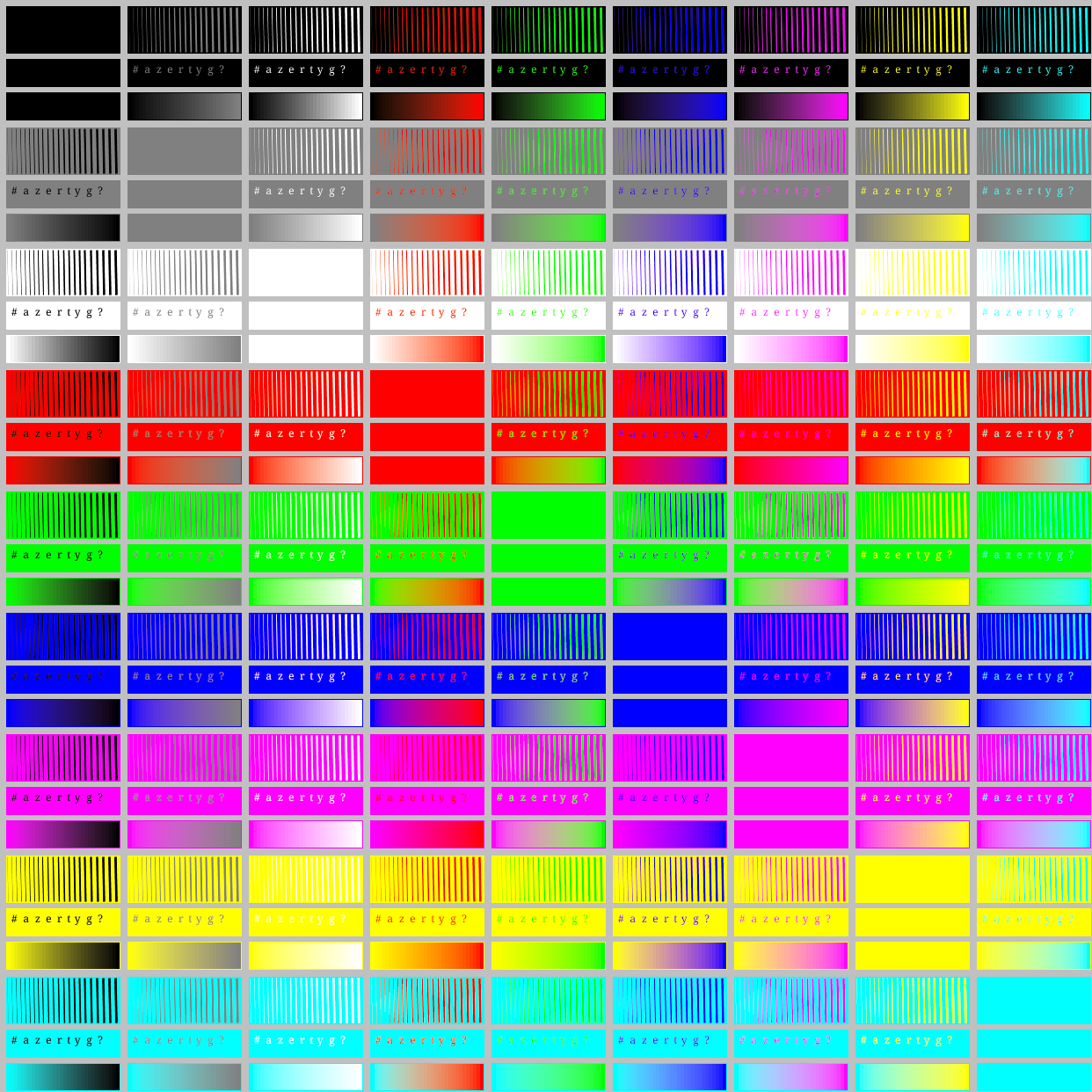
|
Comparison (original Java2D approach) vs (Gamma-corrected sRGB - Ok Lab)
|
Original Java2D approach
|
Gamma-corrected sRGB - Ok Lab
|
|
|
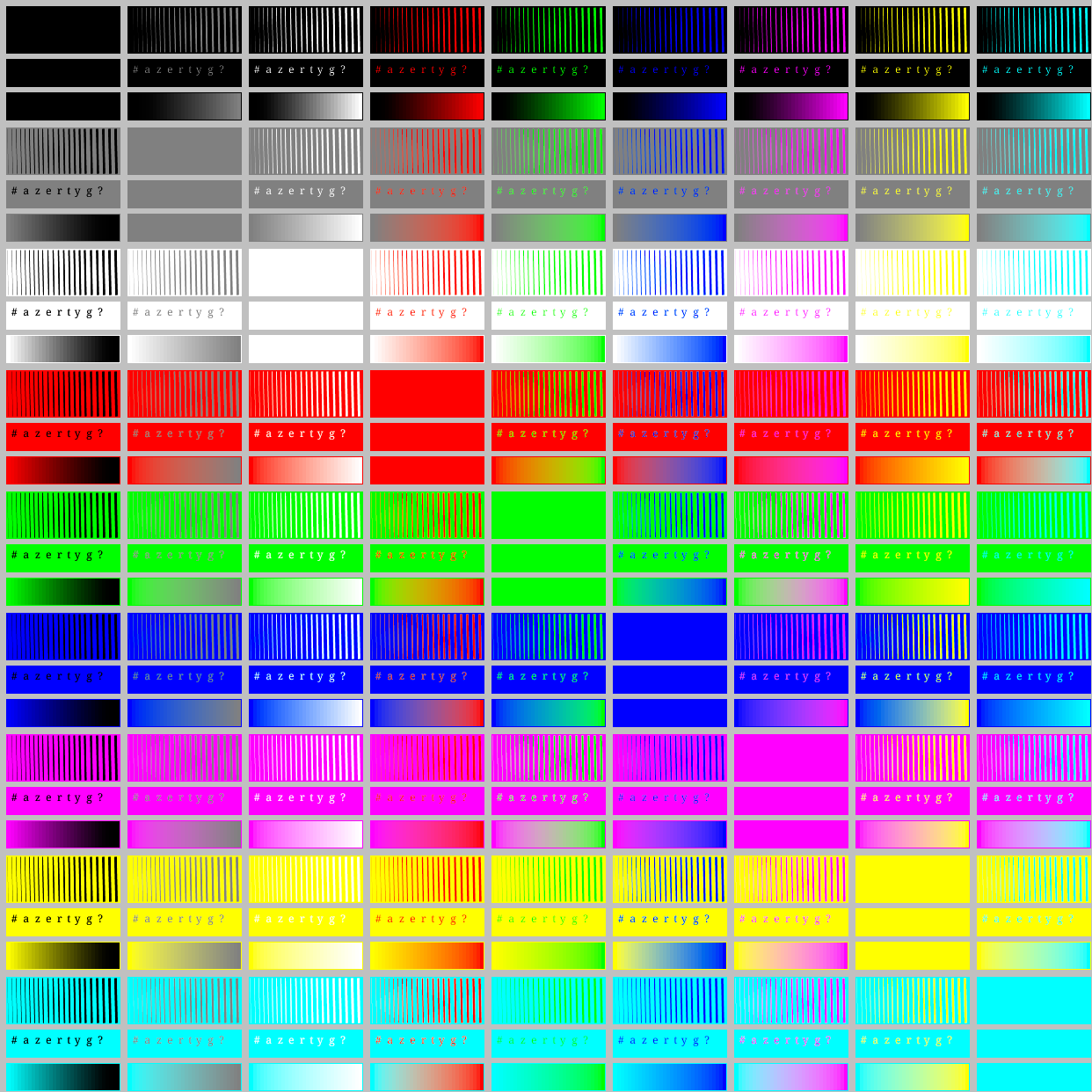
|
Output files
Reference sRGB non-linear = Original Java2D approach
Gamma-corrected sRGB (linear) with perceptual mode: contrast correction on all shades (L*)
Gamma-corrected sRGB - CIE Lab
Gamma-corrected sRGB - Ok Lab